
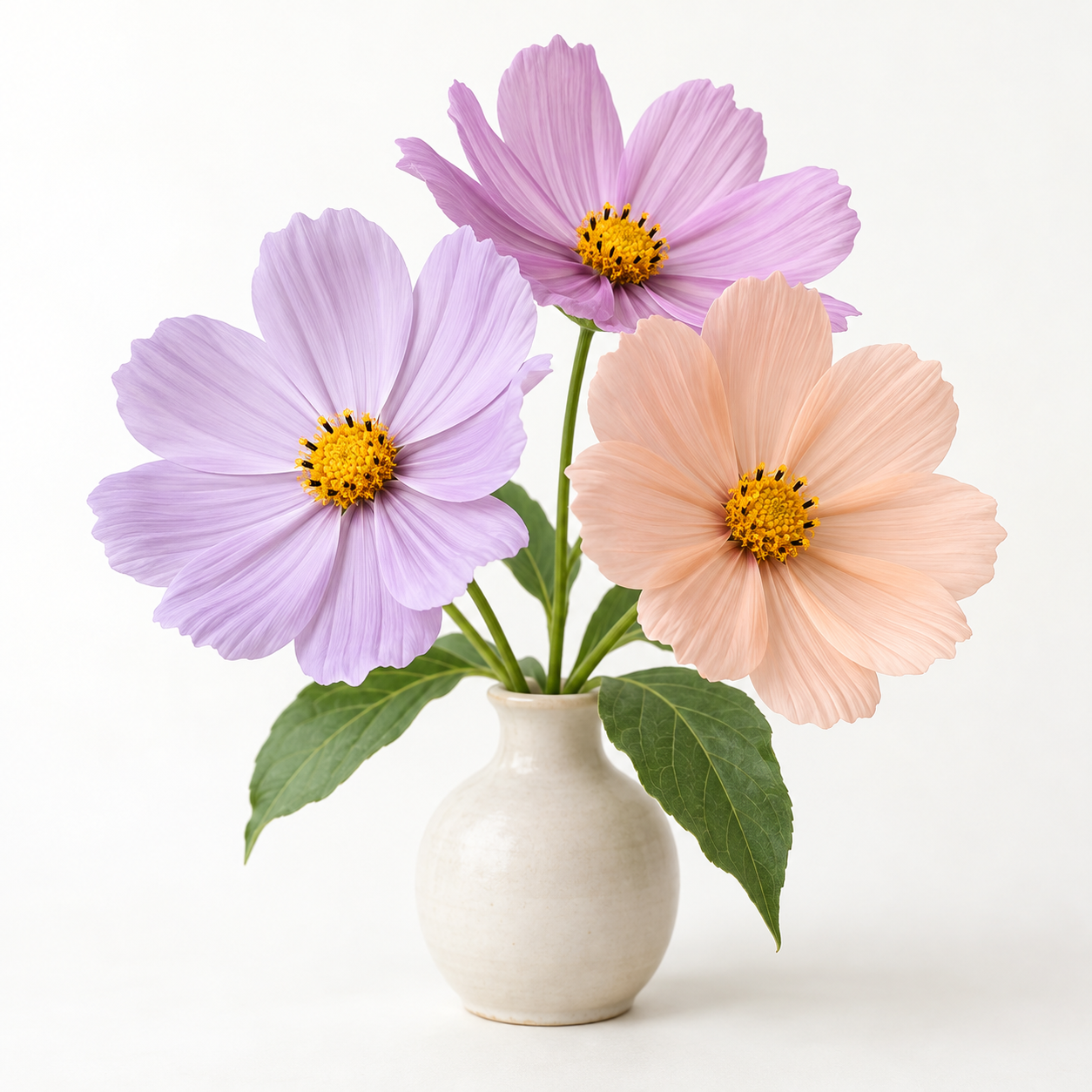
01Pick a subject with space to color
Choose a small number of large, recognizable shapes. A close-up flower can work better than a busy garden; one object can work better than a crowded shelf. Open Photo to Coloring Page to try our flower reference, then choose your own photo when you are ready. Basic processing stays on your device.
02Simplify the line work
The coloring preset starts with reduced Detail and a stronger Line weight. If petal texture or tiny marks fill the page, lower Detail or increase cleanup. Keep enough lines to explain the shape without covering the spaces you want to color. Increasing line weight is useful only up to the point where neighboring lines begin to merge.
03Check the page before printing
Use a white background and black lines for a conventional coloring sheet. Erase distracting background marks. Zoom in to inspect the small areas, then return to 100% to judge the whole page. Automatic edge detection does not guarantee every region is closed; you may want to finish a few gaps by hand after printing.
04Download a printable PDF
Select PDF in the download panel, choose A4 or US Letter, and choose the page orientation. The image is centered with 10 mm margins, keeping its proportions. Print a test page at actual size before making multiple copies. If the source is small, use a smaller print: exporting cannot recreate detail that was not present in the original.