Choose an image
Choose a JPG, PNG, or WebP. Use a clear photo with good contrast.
 Image To Outline.ioP A P E R A T E L I E R
Simple tools for makers, artists, and curious minds.

All image processing stays on your device.
Edits stay on this device. Download to keep them.
Image To Outline is a browser-based photo-to-line-art tool. Convert a picture into a drawing reference, coloring page, or tracing guide, then refine and download it.
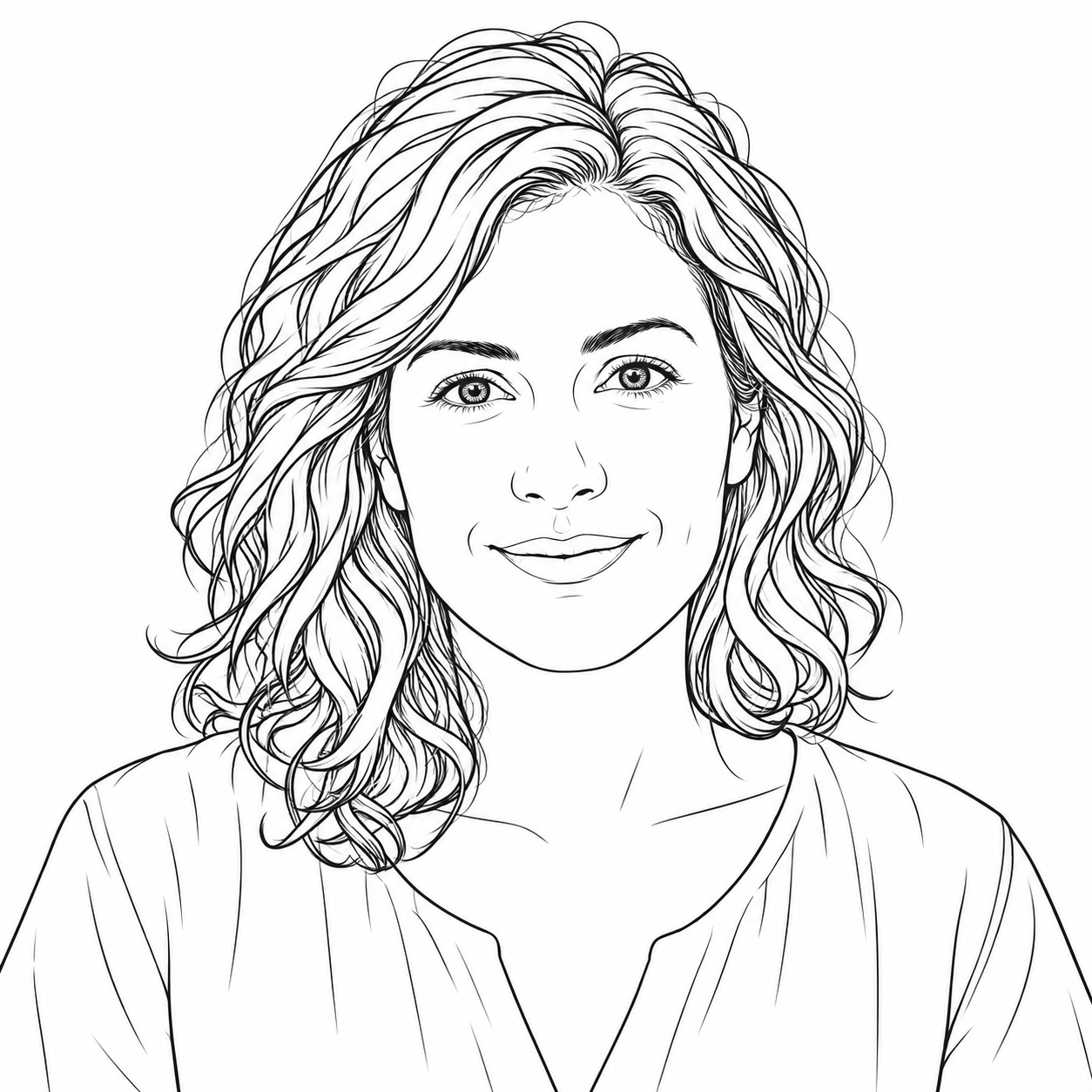 01 / Photo to Line DrawingPhoto to Line DrawingTurn a photo into a line drawing for sketching or graphic projects. Start with fine lines for texture; reduce detail for a simpler contour. Download raster PNG or an image-based PDF. This tool does not create editable SVG paths.↗02 / Photo to Coloring PagePhoto to Coloring PageCreate a photo coloring page with bold lines on white paper. The coloring preset reduces small details and thickens edges. Clear subjects and uncluttered backgrounds work best. Print a single-page PDF, and check that the spaces are large enough to color.↗
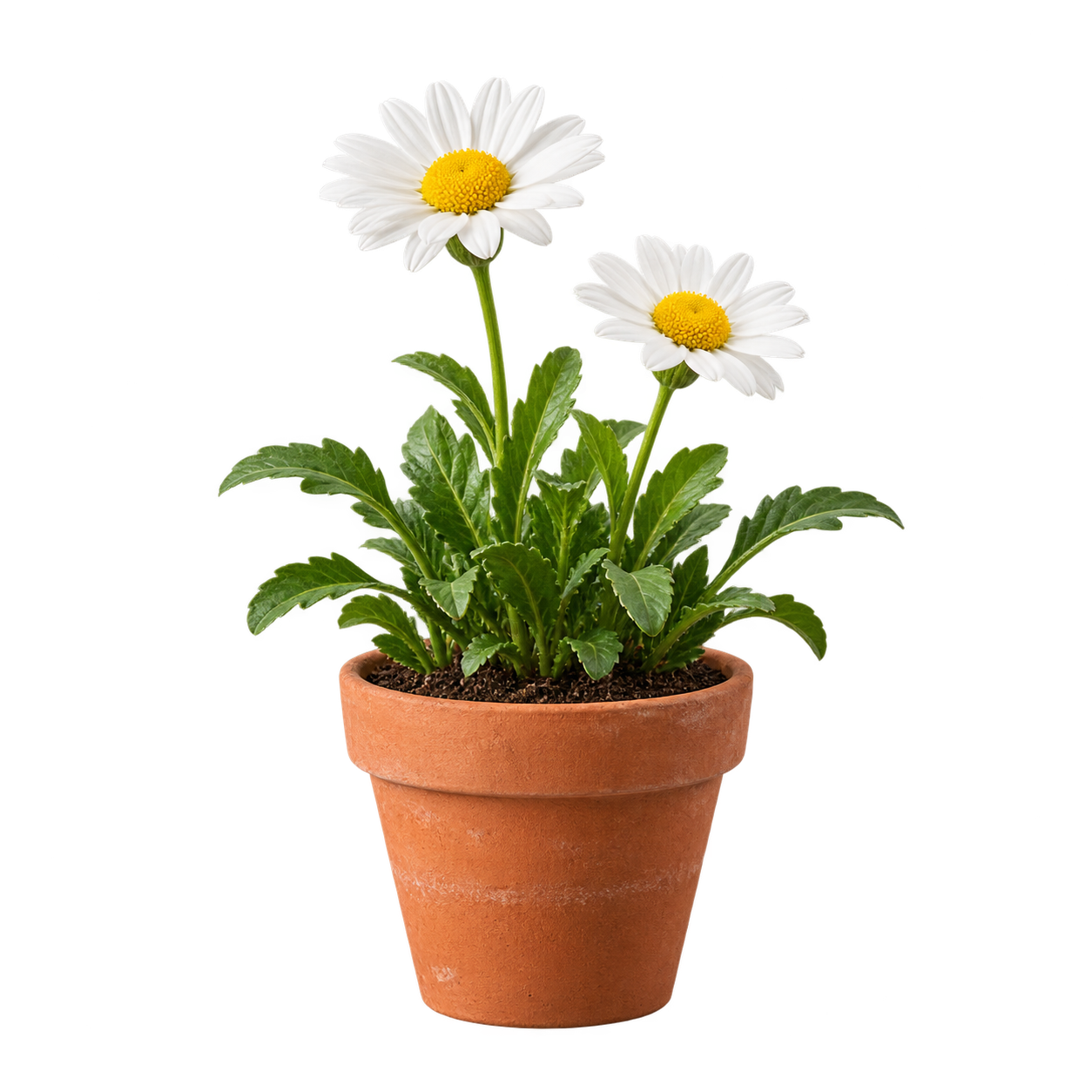 05 / Add Outline to PNGAdd Outline to PNGAdd a border around the visible pixels of a transparent PNG. Choose a color, stroke width, and extra padding. Transparency is required to follow the subject silhouette. A fully opaque image receives a rectangular border; this tool does not remove backgrounds.↗
Choose a JPG, PNG, or WebP. Use a clear photo with good contrast.
Choose a preset, then adjust detail and line weight. Erase distracting marks to refine your result.
Download a transparent PNG or a printable A4 or US Letter PDF.
Convert photos locally in your browser. Your photo stays on your device.
Refine detail, line weight, color, and transparency before saving.
Download PNG and single-page PDF files for free, without a watermark.
Free basic outlines. No signup or watermark.
All image processing stays on your device.
Fit to page · 10 mm margins · White background
This image has no transparency. The outline follows the image rectangle.