Choose an image
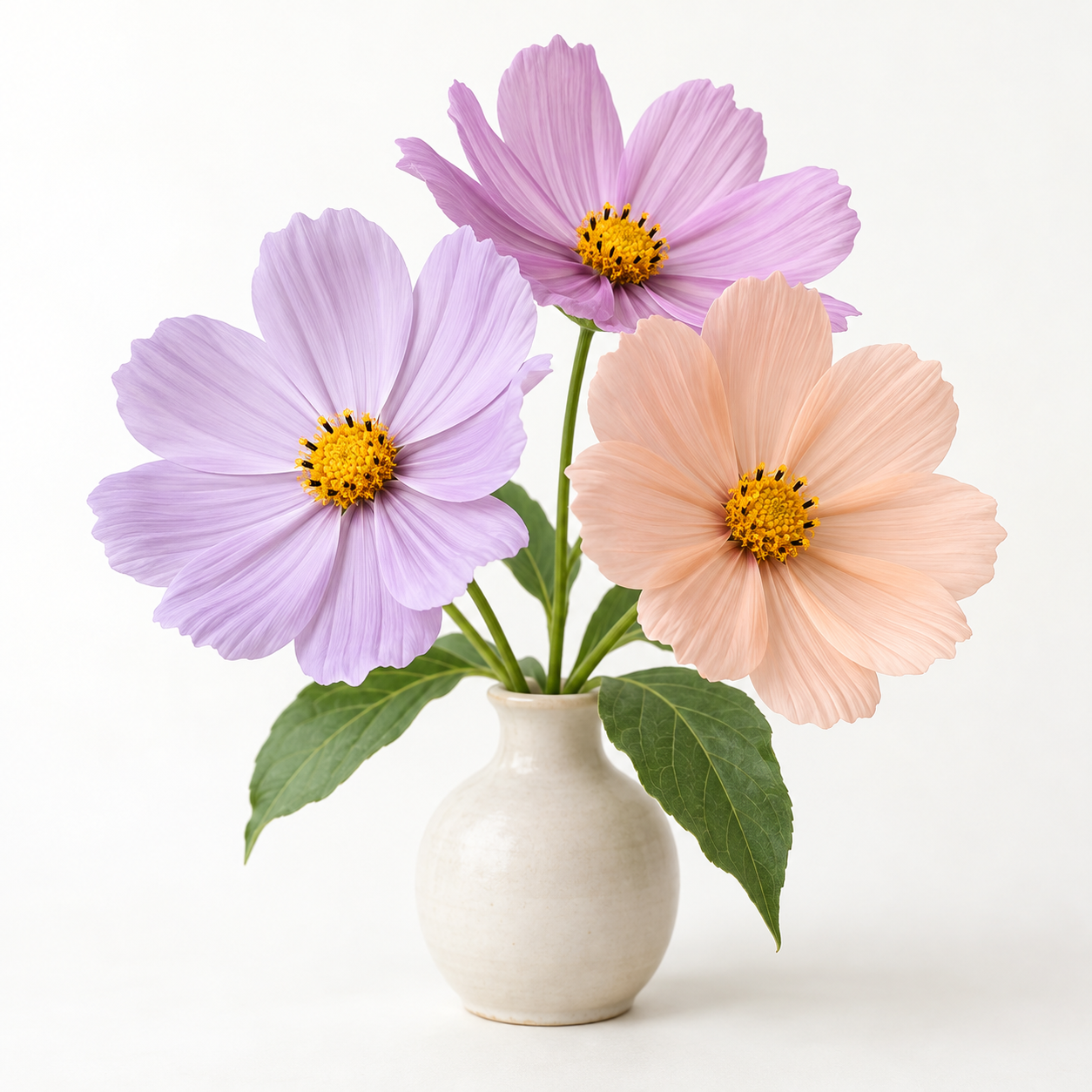
Choose a photo with one clear subject and plenty of separation from the background. Flowers, toys, and simple objects are easier to turn into a readable coloring page.
 Image To Outline.ioP A P E R A T E L I E R
Create a photo coloring page with bold lines on white paper. The coloring preset reduces small details and thickens edges. Clear subjects and uncluttered backgrounds work best. Print a single-page PDF, and check that the spaces are large enough to color.
All image processing stays on your device.
Edits stay on this device. Download to keep them.
Create a photo coloring page with bold lines on white paper. The coloring preset reduces small details and thickens edges. Clear subjects and uncluttered backgrounds work best. Print a single-page PDF, and check that the spaces are large enough to color.
Choose a photo with one clear subject and plenty of separation from the background. Flowers, toys, and simple objects are easier to turn into a readable coloring page.
The coloring preset starts with edge detection and thicker lines. Reduce detail if textures clutter the page, then erase small marks to leave more room for coloring.
Keep the background white and a PDF in A4 or US Letter. Check print preview before printing; use PNG if you want to place the image in your own worksheet.
The coloring preset emphasizes bold edges instead of pencil texture. Line weight controls border strength, and the eraser helps open up busy areas. Single-page PDF fits the image within the paper margins.
All image processing stays on your device.
Free basic outlines. No signup or watermark.
Choose simpler photos for younger children. The tool does not automatically close every shape or judge age suitability, so inspect small spaces and broken outlines before printing.
Hair, grass, patterned clothing, and busy backgrounds contain many edges. Lower detail, increase smoothing or noise removal, and erase unwanted marks. A simpler source photo often helps more than thicker lines.
Turn a photo into a line drawing for sketching or graphic projects. Start with fine lines for texture; reduce detail for a simpler contour. Download raster PNG or an image-based PDF. This tool does not create editable SVG paths.
Make a portrait outline from a face or upper-body photograph. Even lighting and a contrasting background help separate facial features. Use fine lines for hair, then erase unwanted background marks. Local conversion preserves the source geometry.
Make a light tracing guide from a photo. Lower opacity helps you draw over the reference; crop to the proportions of your paper before exporting. Print at the size you need. Use your own photos or images you have permission to trace.
Add a border around the visible pixels of a transparent PNG. Choose a color, stroke width, and extra padding. Transparency is required to follow the subject silhouette. A fully opaque image receives a rectangular border; this tool does not remove backgrounds.