Choose an image
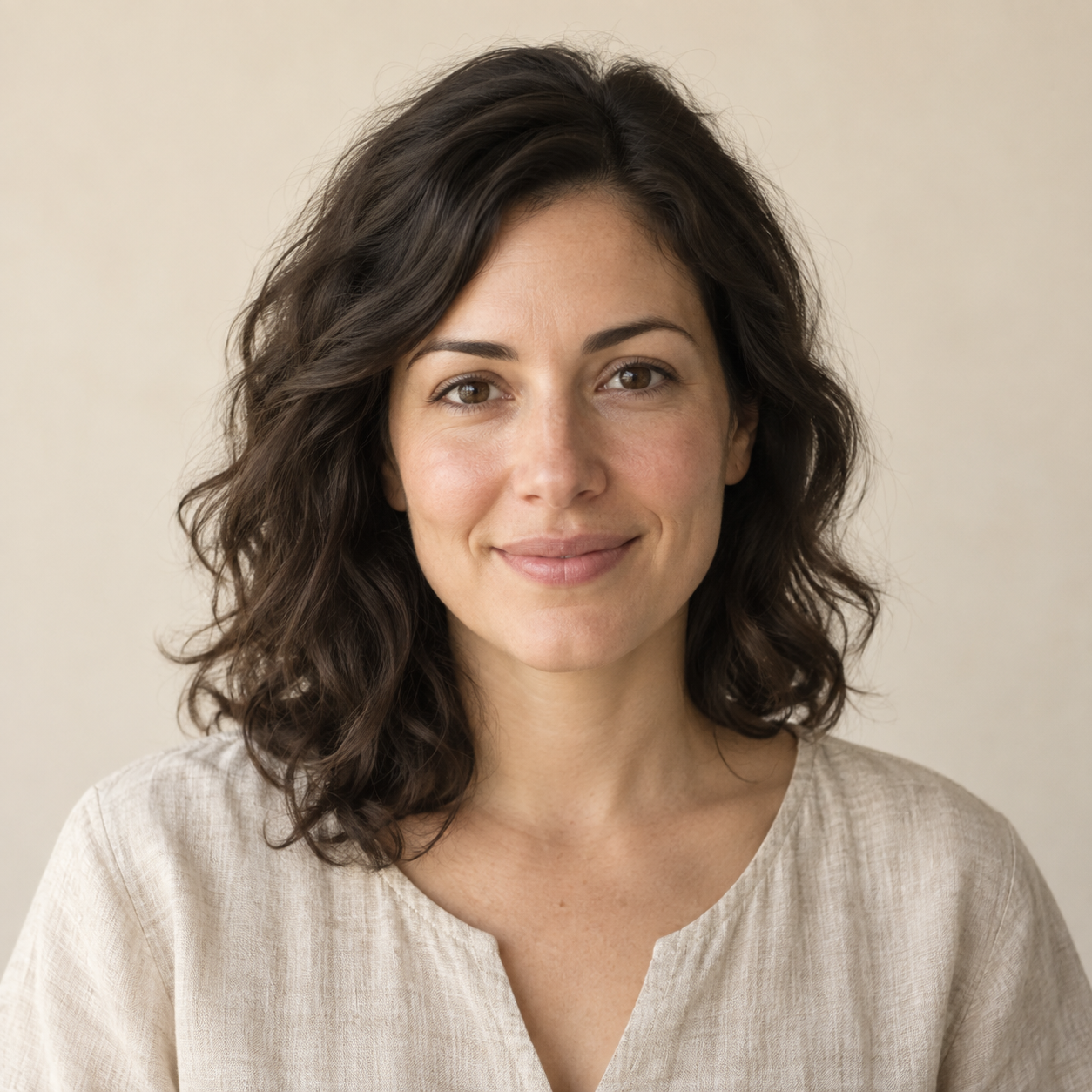
Choose a face or upper-body photo with even lighting. A plain background helps keep facial features distinct from surrounding objects.
 Image To Outline.ioP A P E R A T E L I E R
Make a portrait outline from a face or upper-body photograph. Even lighting and a contrasting background help separate facial features. Use fine lines for hair, then erase unwanted background marks. Local conversion preserves the source geometry.
All image processing stays on your device.
Edits stay on this device. Download to keep them.
Make a portrait outline from a face or upper-body photograph. Even lighting and a contrasting background help separate facial features. Use fine lines for hair, then erase unwanted background marks. Local conversion preserves the source geometry.
Choose a face or upper-body photo with even lighting. A plain background helps keep facial features distinct from surrounding objects.
The portrait preset starts with fine lines and a centered portrait crop. Switch the crop to Original if the face is off-center; adjust detail for eyes and hair, then erase background marks.
Download the portrait as a PNG for a drawing study or as a PDF to print. Check that the crop retains the features you want before saving.
The portrait settings favor facial and hair detail without using a separate face-generation model. Crop, rotation, line color, and manual cleanup give you control over a reference based on the source photograph.
All image processing stays on your device.
Free basic outlines. No signup or watermark.
Avoid strong backlighting and deep facial shadows. The portrait crop is centered rather than face-aware, and the tool does not automatically remove the background or create a single continuous line.
They share the same local conversion engine. The portrait page starts with different detail, smoothing, and crop settings for faces. You can change these settings; there is no face recognition or portrait-specific AI model.
Turn a photo into a line drawing for sketching or graphic projects. Start with fine lines for texture; reduce detail for a simpler contour. Download raster PNG or an image-based PDF. This tool does not create editable SVG paths.
Create a photo coloring page with bold lines on white paper. The coloring preset reduces small details and thickens edges. Clear subjects and uncluttered backgrounds work best. Print a single-page PDF, and check that the spaces are large enough to color.
Make a light tracing guide from a photo. Lower opacity helps you draw over the reference; crop to the proportions of your paper before exporting. Print at the size you need. Use your own photos or images you have permission to trace.
Add a border around the visible pixels of a transparent PNG. Choose a color, stroke width, and extra padding. Transparency is required to follow the subject silhouette. A fully opaque image receives a rectangular border; this tool does not remove backgrounds.